Product
The agent platform,
end to end.
LISA is not a collection of disconnected tools. It is one place to ask, delegate, and review — with the state of the work kept in the same account.
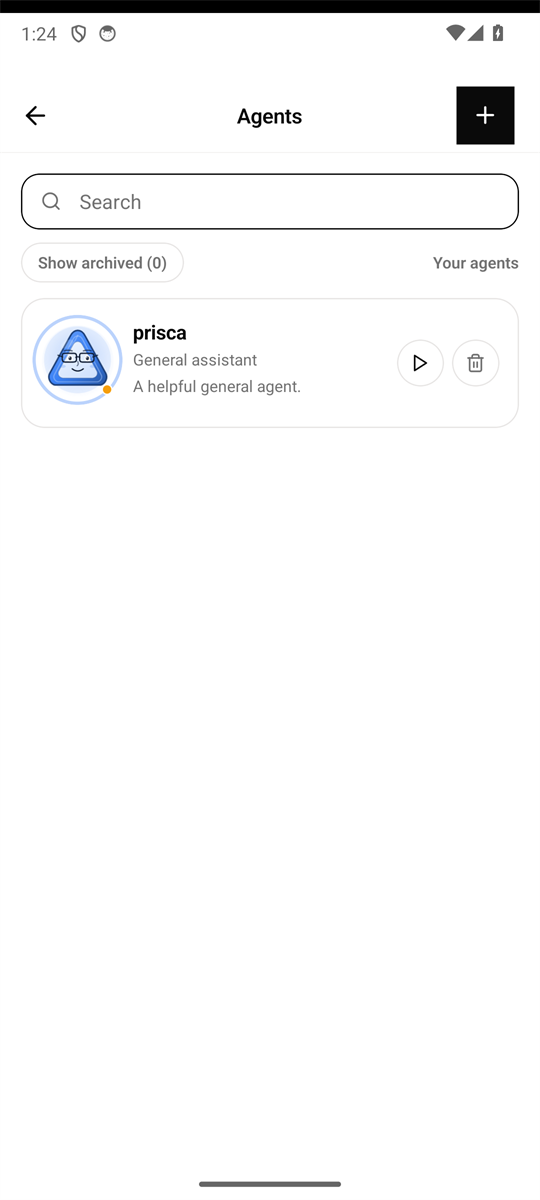
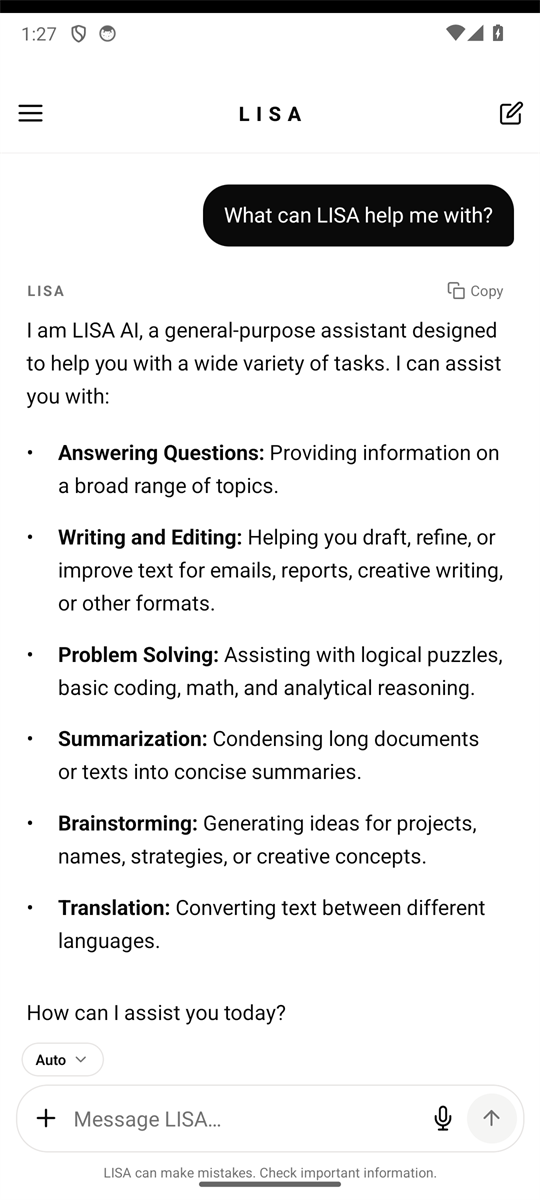
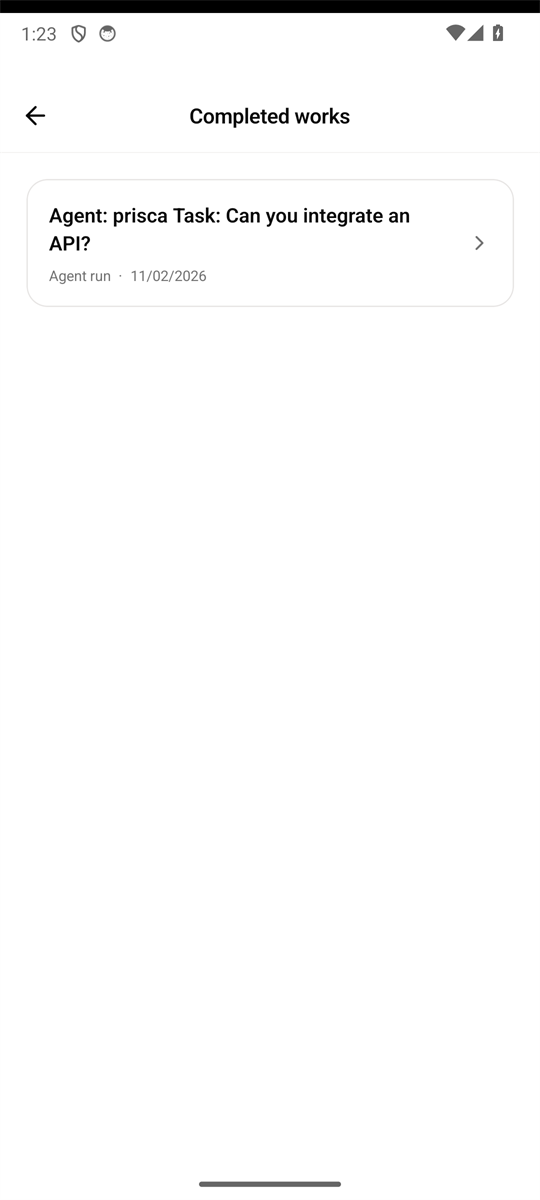
Actual LISA app screens
Three layers
One assistant, with room to scale.
Add complexity only when the work needs it. The conversation stays the centre of the product.
Conversation
The home screen is a chat. LISA answers with a real model response and keeps the thread in your account.
Agents
Give repeatable work a name, a role, instructions, skills, and its own model. Mention the agent to hand over the task.
Groups
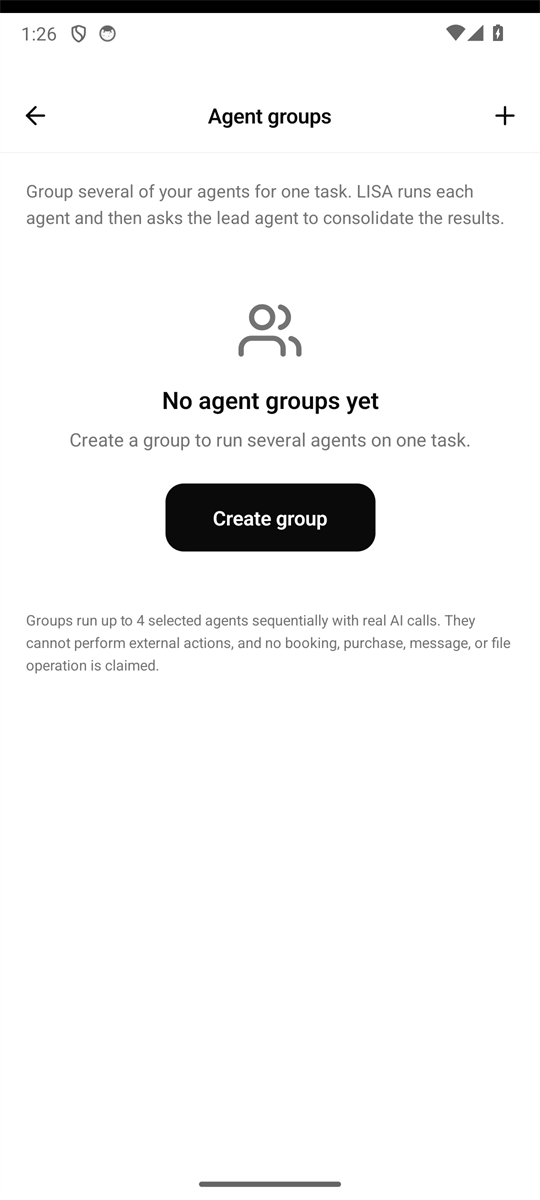
Run several of your agents together on one task. LISA returns a single combined result and records the run.
Core experience
From a message to a finished run.
AI Chat
A conversation that carries the work forward.
Ask, refine, and build on what came before. LISA keeps your conversations together so you can return to the thread instead of starting over.
- Conversation history you can reopen
- Suggested starting points
- Copy and reuse any answer
Personal AI Agents
Agents with a name, a role, and instructions.
Create agents for the work you repeat. Give each one a role, instructions, skills, and its own model. Mention an agent in a message to hand the task over.
- Custom roles and instructions
- Per-agent model choice
- Mention an agent from the composer
Agent Groups
Several agents, one task.
Group agents that work best together. A group run sends the task through your agents in sequence and returns a single combined result.
- Build a group from your own agents
- Run the group as one task
- Review the combined output
Completed Works
A record of what was actually done.
Every agent run is recorded with its task, result, and status. Completed works is a clear archive of real output — not a feed of promises.
- Task history with results
- Clear completed and failed states
- Open the work behind a notification
Model choice
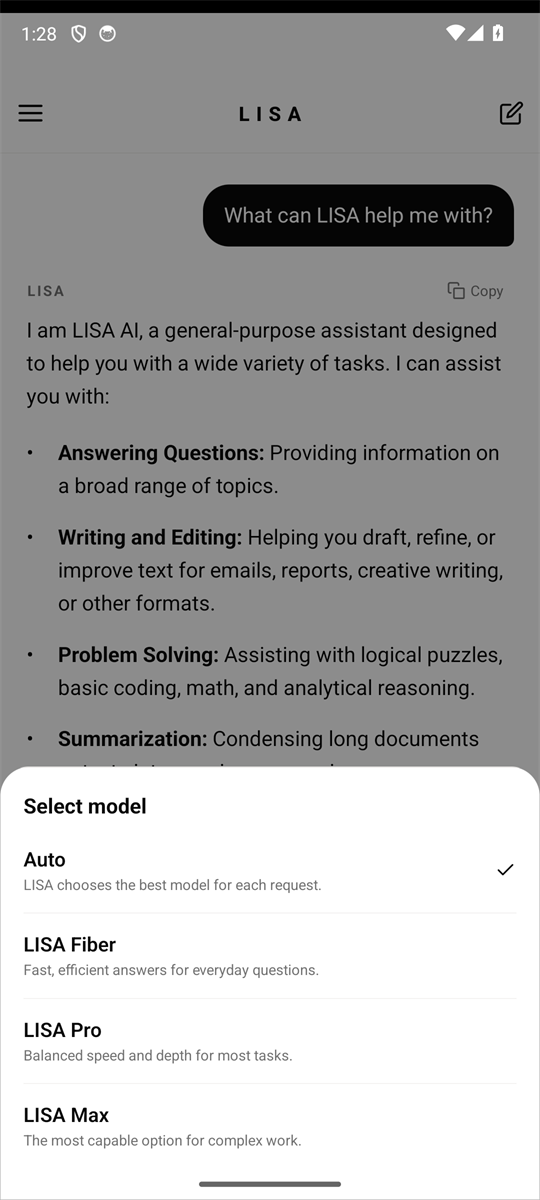
Auto by default. Direct control when you want it.
Auto lets LISA choose a suitable model for the request. LISA Fiber, LISA Pro, and LISA Max map to the existing backend models, and each agent can keep its own choice.
Release status
Available now, and deliberately limited.
The mobile app is in active development. This page only describes what is present in the current build.
In this release
AI chat with conversation history; personal agents with roles, instructions, skills and models; agent groups; completed works; in-app notifications; approval workflows; model selection; light and dark themes; four interface languages.
Not currently offered
Sandbox and Store are temporarily removed from the mobile app interface. They are not advertised here as available features.
Distribution
There is no public download or APK release yet. A debug build used for internal testing is not a public release. Join the waitlist for availability updates.